
Technology Resources
Explore the latest web design trends and tools with our comprehensive technology blog, packed with valuable resources and information.
Top 6 Mistakes New WordPress Users Make
We’ve been using WordPress since it was just used exclusively for blogs, but now it’s used to create every kind of website imaginable. And over those seven or so years, we’ve developed a list of best practices—steps we take every time we set up a new WordPress site. For many people, WordPress is the first website application they’ve ever used, and certainly there are a lot of opportunities to make a mistake. Read on to learn about some easy things you can do to prevent headaches down the road.
How to Prevent People from Stealing Your Stuff
One of our clients recently asked us if her new WordPress e-commerce store could be copied by a competitor. An interesting question, to be sure! If said competitor hires a savvy web development firm, they can easily look at the source code and see that the website is built in WordPress. They can use whatwpthemeisthat.com to determine what theme we’ve used as the basis for the website (although, after modifications, her new website bears little resemblance to the parent theme). And the competitor can theoretically “scrape” all of the images we painstakingly created. (Web scraping is a computer software technique of extracting information from websites.)
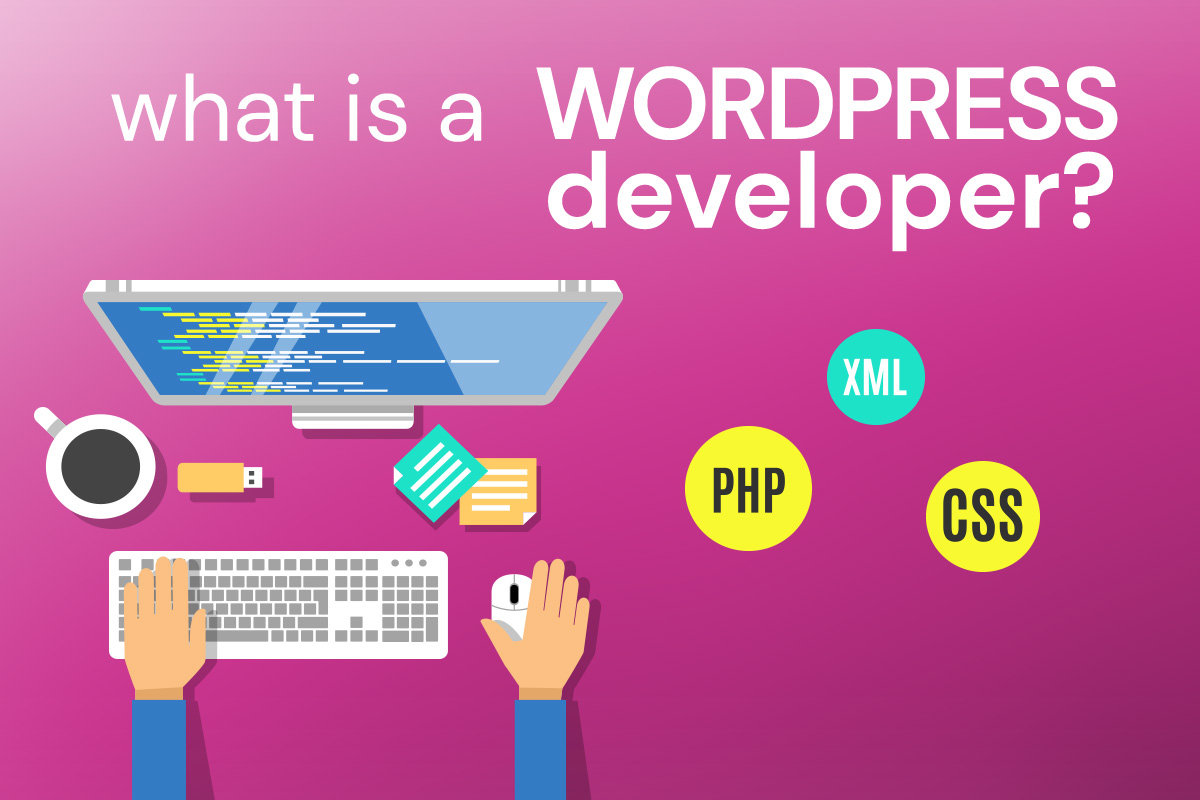
What is a WordPress Developer?
So, you might have arrived at this blog post because you have a WordPress website, or you want to build your new website using WordPress. You may have heard that you need a WordPress developer—in other words, a coder who specializes in WordPress (and likely much more). If you’ve gotten some estimates, they may be all over the map. There isn’t really isn’t any official WordPress certification, so it’s not as though you can ask to see your developer’s diploma. But there are a few criteria you can use when interviewing a potential WordPress developer to see if the team you’re working with are WordPress developers, or merely WordPress experts who can navigate it pretty well. A WordPress expert can install WordPress, themes, plugins, and even customize it a bit… but that does not necessarily make him a developer.