
Technology Resources
Explore the latest web design trends and tools with our comprehensive technology blog, packed with valuable resources and information.

Simple Slideshow Monitor Solution
I.T. Roadmap works with small and medium-sized businesses in the Dallas area, and we’re always excited to bring new technology solutions to age-old problems to our customers. One problem that’s nearly universal for all of our brick-and-mortar customers: waiting. Medical offices have patients waiting to be seen, restaurants have customers waiting to be seated, dry cleaners have lines of customers waiting to pick up their shirts and suits. No doubt you’ve seen monitors auto-playing video or audio in these waiting areas, but you may have found the idea of setting one up for your business daunting. Recently, we’ve pared down the process to something so simple and inexpensive that it’s within anyone’s reach.

What is UX Design?
When we first started web design and development so many years ago, many of our clients came to us fresh as the driven snow, never having had a website before. By now, most clients are on the second or third iteration of their web presence, and they’ve become better acquainted with what works and what doesn’t for their visitors. While there was almost certainly a UX—shorthand for “User Experience”—in mind when creating that first website, now the UX is a major consideration. The Internet is flooded with competitors, and no one has time for a website that doesn’t work, or doesn’t work well. UX is the all-encompassing term for how a person interacts with your company. If you’re a retailer, your user experience could include how a customer interacts with your store associates in person, but in most cases these days, UX is used to refer to customer experiences with websites or apps. The goal of the UX designer is to create a digital or physical product that is useful, easy to use, and delightful to interact with.
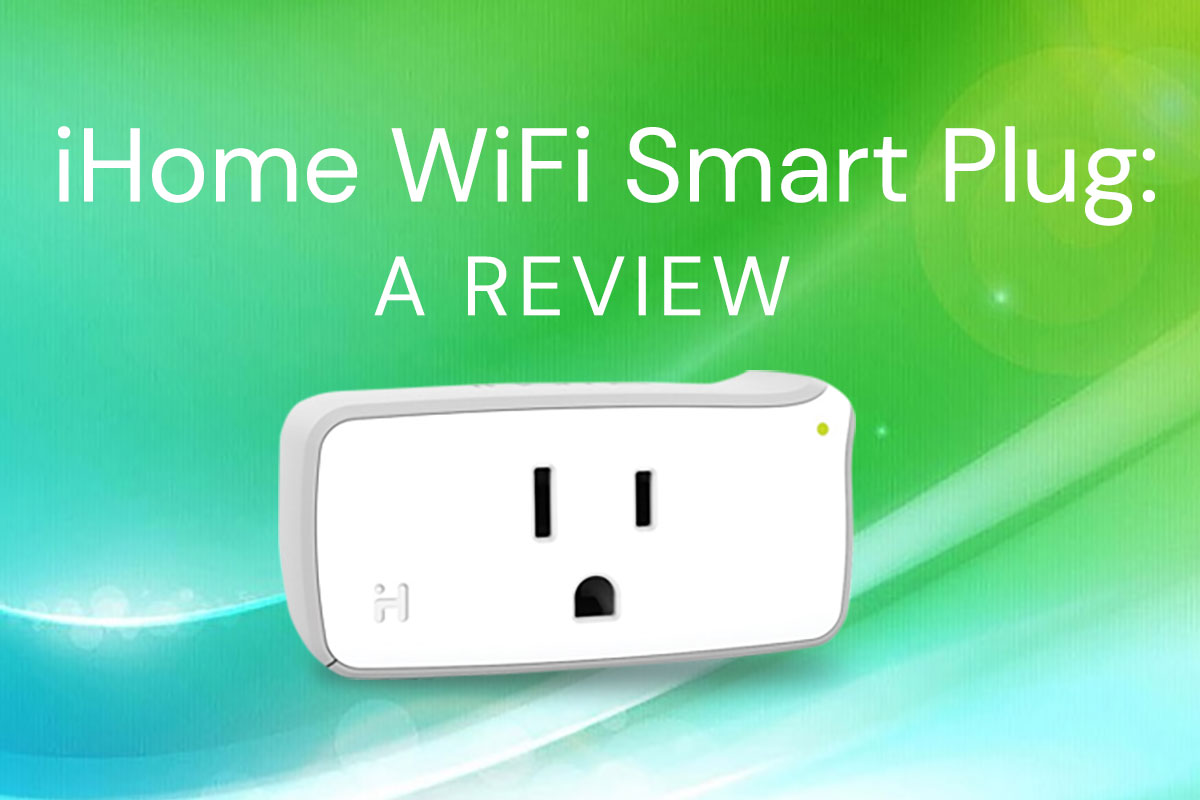
iHome iSP5 Smart Plug Review
The iHome iSP5 is a small-profile device that plugs into an existing electrical outlet and allows it to be controlled via WiFi. We chose it because of its low cost (approximately $35), and because it works with the Wink app and hub, which we already use for home automation. (Many users have chosen to use it with Apple HomeKit, but reviews of integration with HomeKit are pretty unenthusiastic.) It is small enough that it doesn’t block the other outlet, so two could be plugged into one outlet if necessary. It’s also a little easier and less permanent than switching out the outlet with a Z-Wave outlet, which would also be compatible with Wink and other home automation systems. With such a device, you can control lamps, space heaters, air conditioners, fans, holiday lighting—up to 1800 Watts per plug. Ideally, anyway. The reviews on Amazon were fairly negative, with only a few users who seemed to be pleased with it. Several reviews indicated that a recent update might have fixed some issues, so we went ahead with the order. (One reviewer indicated that the devices do not work with enterprise WiFi networks and thus are not usable in corporate environments or colleges.)